

Description
KAZCODE Universal Storage offloads your WordPress Media Library to Amazon S3, Cloudflare R2, or another S3-compatible provider without replacing the native Media Library.
Upload media normally. KAZCODE can move originals and generated sizes to object storage, serve them from your bucket/CDN, restore them, and resume supported interrupted transfers.
Reliability is built into the workflow: remote files are verified before destructive cleanup, temporary provider errors are not treated as missing files, and interrupted operations remain recoverable.
Built for real WordPress media workflows
WordPress remains the source of truth for attachments, titles, alt text, captions, and generated image sizes. KAZCODE adds storage delivery and recovery controls around that familiar workflow instead of replacing it with a separate media system.
Start with a single test upload, confirm its delivery URL and generated sizes, then offload new or existing media in resumable batches. Each attachment keeps visible storage state in wp-admin, so you can investigate a failure or restore an item without guessing where the file went.
Safer operations in 1.2.0
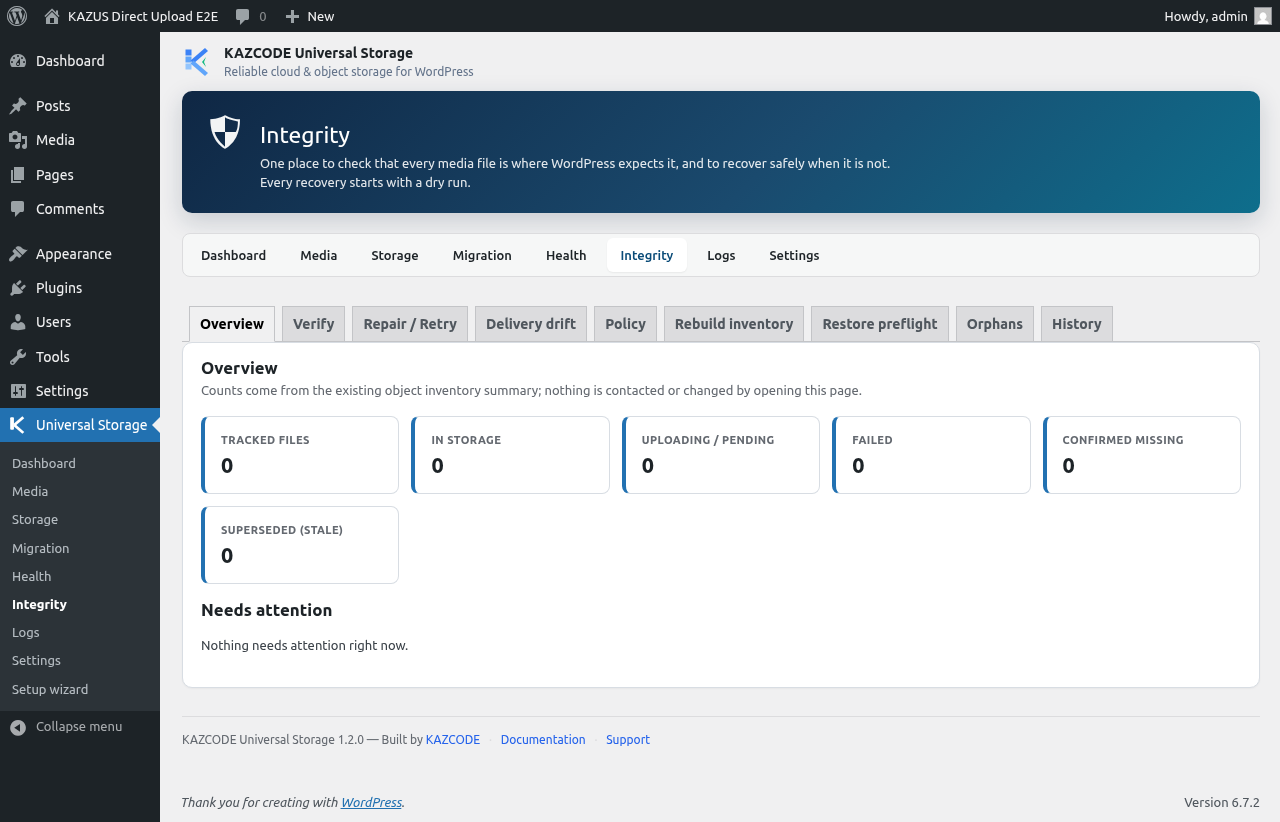
The Integrity Center gives administrators one place to review inventory health, verify remote objects, retry eligible failures, prepare restores, and understand recovery steps. It is designed to make checks and decisions visible before a destructive action.
Safe Mode protects a shared bucket prefix when a production site is cloned, moved, or opened as staging. It pauses storage writes and local cleanup until an administrator explicitly chooses how the copy should proceed, while normal delivery of already-offloaded media continues.
What you can do with Free
- Offload new uploads and existing Media Library files.
- Serve media from your bucket, endpoint, or CDN URL.
- Restore offloaded media to local WordPress storage.
- Use resumable multipart transfers for large files.
- Verify remote files before local cleanup.
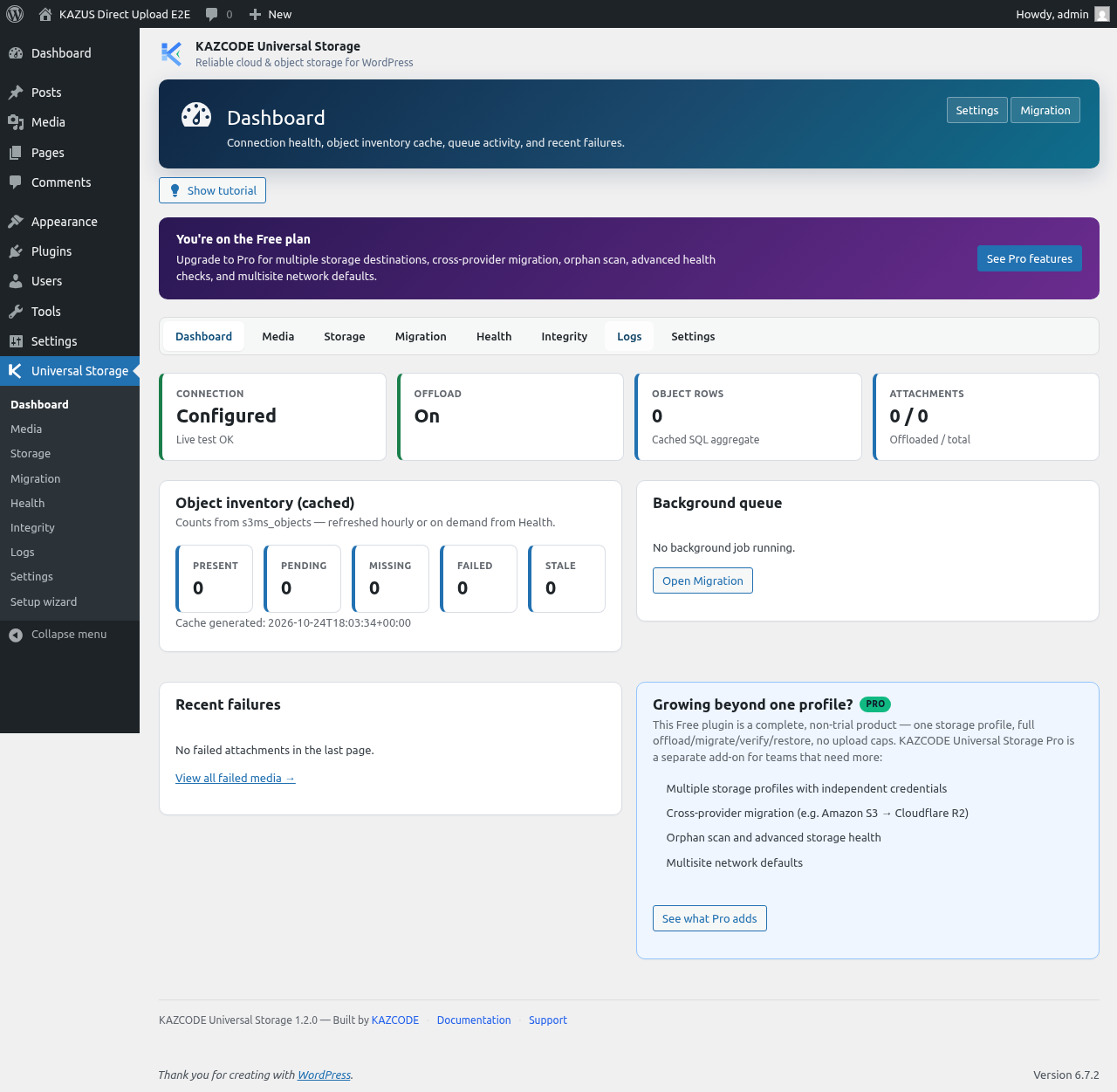
- Review health, logs, and media status in wp-admin.
- Import/adopt supported WP Offload Media, Advanced Media Offloader, and Media Cloud records.
- Use supported admin, WP-CLI, and REST workflows.
- Configure one primary storage profile.
Why teams use it
- Keep the normal WordPress Media Library and editorial workflow.
- Reduce local disk pressure by moving originals and generated image sizes to object storage.
- Choose the delivery hostname that fits your S3 bucket, R2 custom domain, or CDN setup.
- Verify first and clean up only when remote files are confirmed.
- Recover from interrupted work with resumable operations and clear wp-admin status.
- Protect shared production storage when working on staging or cloned sites.
Supported storage
Free supports Amazon S3, Cloudflare R2, DigitalOcean Spaces, Wasabi, Backblaze B2 S3 API, MinIO, and custom S3-compatible endpoints. Read the storage provider docs
Import from another offload plugin
Already using WP Offload Media, Advanced Media Offloader, or Media Cloud? KAZCODE can read supported offload data without copying credentials, deleting competitor records, or changing bucket files. Verify imported media before disabling the old plugin.
Moving between storage providers
Pro is a separate add-on for multiple Storage Profiles and provider-to-provider migration, such as Amazon S3 to Cloudflare R2. Pro keeps the source authoritative until the destination is transferred, verified, and cut over. Optional source deletion is available after verification.
Direct Upload for image-heavy workflows
Pro can optionally send JPEG, PNG, and WebP uploads from an administrator’s
browser directly to the selected S3-compatible storage profile. WordPress still
creates the native attachment metadata and generated image sizes, while KAZCODE
verifies and inventories every resulting object before the Media Library item is
ready. Direct Upload is off by default and requires the site’s administrator to
configure the storage provider’s browser CORS policy before enabling it.
Safety and integrity features in Free remain part of the core plugin; they are not paywalled.
Documentation and support
Documentation | WordPress.org support | KAZCODE support
External services
KAZCODE Universal Storage connects only to object-storage services configured by the site administrator. It does not send media, credentials, telemetry, or site data to any KAZCODE-owned service.
The plugin can connect to Amazon S3, Cloudflare R2, DigitalOcean Spaces, Wasabi, Backblaze B2, MinIO, or another administrator-supplied S3-compatible endpoint. Connections occur only when the administrator configures/tests storage, or uses offload, verify, restore, migrate/adopt, or remote-delete functionality.
Amazon S3 – https://aws.amazon.com/s3/
Agreement: https://aws.amazon.com/agreement/ – Privacy: https://aws.amazon.com/privacy/
Cloudflare R2 – https://developers.cloudflare.com/r2/
Terms: https://www.cloudflare.com/legal/terms/ – Privacy: https://www.cloudflare.com/privacypolicy/
DigitalOcean Spaces – https://www.digitalocean.com/products/spaces
Terms: https://www.digitalocean.com/legal/terms-of-service-agreement – Privacy: https://www.digitalocean.com/legal/privacy-policy
Wasabi Object Storage – https://wasabi.com/product-terms
Legal: https://wasabi.com/legal – Privacy: https://wasabi.com/legal/privacy-policy
Backblaze B2 – https://www.backblaze.com/cloud-storage
Terms: https://www.backblaze.com/company/policy/terms-of-service – Privacy: https://www.backblaze.com/company/policy/privacy
MinIO and other S3-compatible endpoints – the plugin talks directly to the configured endpoint; terms and privacy depend on whoever operates it, not on KAZCODE. (https://min.io/)
Screenshots


Installation
Install from WordPress
- In WordPress, go to Plugins > Add New.
- Search for KAZCODE Universal Storage.
- Click Install Now, then Activate.
- Open Universal Storage and follow setup, or open Universal Storage > Storage.
- Choose your provider, enter bucket/endpoint/credentials, and run Test Connection.
- Enable automatic offload when you are ready.
New uploads can now be offloaded automatically.
Existing Media Library
For an existing site, configure and test storage first, then process attachments in batches. Free moves local media into your first storage profile; Pro moves already-offloaded media between profiles/providers. See media offload and existing media.
Already using another offload plugin?
Use the WP Offload Media, Advanced Media Offloader, or Media Cloud importer. It reads supported records, builds KAZCODE inventory, and leaves source data and credentials untouched. Verify before disabling the old plugin: WP Offload Media or Advanced Media Offloader. Media Cloud adoption requires retained s3.key metadata on S3-compatible drivers (GCS-native / Imgix-only layouts are skipped with a clear message).
Moving from one storage provider to another
Amazon S3 to Cloudflare R2 and provider-to-provider migration are Pro workflows: configure source and destination, transfer, verify, cut over, and optionally delete the old source. See S3 to R2 and provider migration.
Before production cleanup
Before bulk local cleanup, test the connection, verify several media URLs, and use health/verification tools.
FAQ
-
Does this replace the WordPress Media Library?
-
No. WordPress keeps attachment records, titles, alt text, and metadata. KAZCODE stores files in your object storage.
-
What is included in Free?
-
Free includes one storage profile, S3-compatible offload, existing media processing, URL delivery, restore, resumable transfers, verification before cleanup, diagnostics, and import/adoption tools.
-
What does Pro add?
-
Pro adds multiple Storage Profiles, provider migration, verified cutover, optional source deletion, advanced health/orphan tools, network/agency functions, and optional browser-to-storage Direct Upload for JPEG, PNG, and WebP images. View Pro features and pricing
-
Can I migrate from Amazon S3 to Cloudflare R2?
-
Yes, with Pro. Destination storage is transferred and verified before delivery cuts over. Read the S3 to R2 guide
-
Temporary errors, timeouts, authentication problems, and uncertain responses are unknown, not proof that a file is missing. Cleanup requires verification.
-
Can I migrate from WP Offload Media?
-
Yes. It supports legacy records and the newer 3.4+ per-file model where supported. It is read-only toward the source plugin. Read the guide
-
Does uninstalling delete files from my bucket?
-
No. Uninstalling does not delete remote objects, attachments, or local media files. The optional local data purge setting removes only KAZCODE’s local plugin data.
Reviews
There are no reviews for this plugin.
Contributors & Developers
“KAZCODE Universal Storage” is open source software. The following people have contributed to this plugin.
Contributors
Translate “KAZCODE Universal Storage” into your language.
Interested in development?
Browse the code, check out the SVN repository, or subscribe to the development log by RSS.
Changelog
1.2.5
- Maintenance release aligned with the Pro package and current release tooling.
1.2.4
- Maintenance release with compatibility, reliability and security-hardening fixes.
1.2.2
- Release-alignment update for the 1.2.2 Pro add-on release. Free/Core and Pro can now be installed as the same 1.2.2 release pair.
1.2.1
- Clarified the Pro Direct Upload image workflow, including its default-off setting and browser CORS requirement.
1.2.0
- Added Integrity Center tools to verify, repair, reconcile, and safely rebuild storage inventory.
- Added Safe Mode protection for staging and cloned sites that share storage prefixes.
- Strengthened cloud-only cleanup, restore, delivery, and Media Library reliability.
- Improved credential redaction and recovery tools while preserving existing settings and media inventory.
- Expanded the WordPress.org listing with workflow, safety, and recovery guidance.
1.1.2
- Fixed Pro storage profile setup so additional profiles can use their own provider credentials.
- Added per-profile connection testing for multi-provider setups.
- Preserved existing site-wide credential behavior and secure secret handling.
1.1.1
- Improved WordPress.org plugin description and onboarding instructions.
- Added clearer installation guidance for new and existing Media Libraries.
- Added clickable documentation, migration, support, and pricing links.
- Clarified Free vs Pro capabilities and supported migration/import workflows.
- Improved FAQ and screenshot descriptions.
1.1.0
- Added resumable multipart transfers.
- Improved WP Offload Media and Advanced Media Offloader import/adoption.
- Improved restore, verification, retry, profile-aware delivery, and cleanup safety.
- Added Pro multiple profiles, provider migration, verified cutover, and optional source deletion.
1.0.2
- Improved long object-key identity and database upgrade safety.